
Made for your next release
Screenshot to Demo Video
Turn dashboard and SaaS screenshots into a short AI product demo. Arrange up to four screens, describe the motion and export a silent 720p MP4 with paid access.
Use this for a visual product overview on a landing page or in a sales message. It is not a recording of a working click path.
Create a videoPricing- Your screenshots
- Up to 4 PNG, JPEG or WebP images · 5 MiB each · 20 MiB total
- Output
- 720p MP4 · No generated audio
- Length & frame
- 5, 10 or 15 seconds · 16:9, 9:16 or 1:1
- Pricing
- $3.90 / 1 video credit (one 5-second video). one-time · USD
How it works
- Choose screens that show one workflow: an overview, a key action and its result. Remove personal data before uploading.
- Arrange the screens in Studio. Choose 10 or 15 seconds for a short sequence and 16:9 for a website embed.
- Describe restrained camera motion, generate with a paid render, then check every label and number before downloading.
Example motion direction
Start on the dashboard overview, move slowly toward the main chart, then hold on the final screen. Keep motion subtle and avoid invented interactions.
If your demo must prove exact clicks, text entry or numerical results, use screen recording. AI can alter interface details.
AI may change interface text, details and motion. Review your result before publishing; exact pixel preservation is not guaranteed.
ACTUAL GENERATED OUTPUT
Your screens. A longer story.
A complete Orbit dashboard, generated into 10- and 15-second videos through our workflow. Compare the source with each original output.
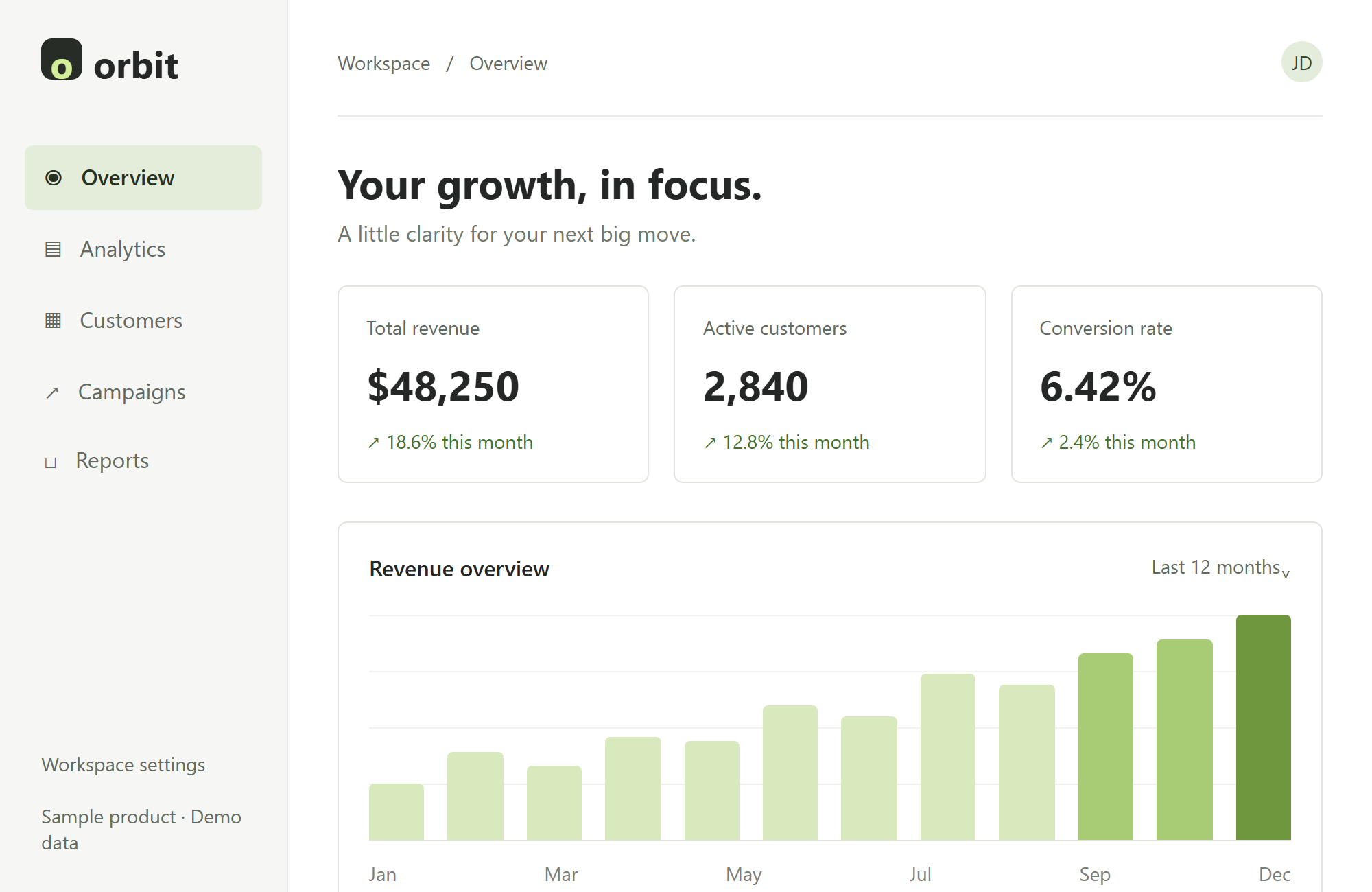 View the source screenshot
Before you upload
Screenshots are stored in private object storage. Prompts, settings and time-limited screenshot links are sent to SeeAPI for generation.
Inputs cannot be used for new tasks after 24 hours; this does not mean every copy is deleted. SeeAPI currently lists no scheduled automatic expiry for stored input and output files. Request deletion through Contact.
PrivacyScreenshots to video. Priced by the pack.
If the system fails to produce a video, your reserved credits return.
Pricing